DJI Mini 4K Battery: Everything You Need to Know for Extended Flight Times
So, you’ve got the DJI Mini 4K and you’re looking to stay up in the air for as long as possible. That’s totally understandable! The DJI Mini 4K battery is the heart of your drone, and knowing how to treat it can make a big difference. Let’s talk about getting the most out of your flights and keeping that battery happy.
Key Takeaways
- Your DJI Mini 4K battery, while rated for 31 minutes, realistically gives you about 20-25 minutes of flight time before you should head back. Pushing it too far isn’t good for the battery cells.
- Keep your batteries between 15-25°C (59-77°F) for best performance. Cold weather makes them work harder, and hot weather can speed up wear and tear.
- Charge your batteries the day you plan to fly, or a few hours before. If you won’t use them for over a week, store them at about 40-50% charge.
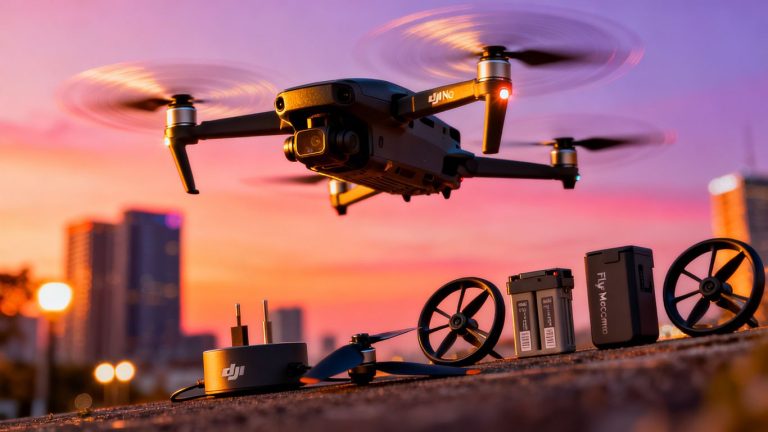
- To get longer flights, consider getting extra batteries. The “Fly More Combo” is often a good deal because it includes multiple batteries and a charging hub.
- Always update your drone’s firmware when prompted. DJI sometimes makes power management improvements that can help your battery last longer during flights.
Understanding Your DJI Mini 4K Battery
So, you’ve got your hands on the DJI Mini 4K and you’re eager to get it airborne. Before you take off, let’s talk about what makes this little drone tick: its battery. It’s not just a power source; it’s a key component that dictates how long you can actually fly and explore.
The Science Behind LiPo Batteries
Your DJI Mini 4K uses a Lithium Polymer (LiPo) battery. These are pretty standard for drones because they offer a good balance of energy density (how much power they hold for their size and weight) and performance. Unlike older battery types, LiPos can be shaped into thin, flat packs, which is perfect for the compact design of drones like the Mini 4K. However, they do require a bit of care. They’re sensitive to extreme temperatures and over-discharging, which can shorten their lifespan. Think of them like a high-performance engine; they need the right conditions to run smoothly.
Real-World Flight Time vs. Official Specifications
DJI, like most manufacturers, gives you an official flight time for the Mini 4K. You might see figures around 30-31 minutes. That’s a great starting point, but it’s usually measured under ideal conditions: no wind, a steady hover, and landing with a bit of juice left in the tank. In the real world, your flight time will likely be less. Factors like wind, aggressive flying, or even carrying extra gear can eat into that time. It’s wise to plan your flights assuming you’ll get a bit less than the advertised maximum, maybe aiming to land when you hit around 20-25% battery.
It’s always better to have a little extra battery life and land a bit early than to push it and risk a low-altitude landing in an inconvenient spot.
Factors Affecting Actual Flight Duration
Several things can influence how long your Mini 4K stays in the air on a single charge:
- Wind: Flying into a headwind or dealing with crosswinds forces the motors to work harder, draining the battery faster. The Mini 4K can handle some wind, but stronger gusts will definitely cut into your flight time.
- Flying Style: Quick ascents, rapid turns, and aggressive maneuvers use more power than smooth, steady flight. If you’re just cruising and taking in the scenery, you’ll get more time than if you’re constantly pushing the drone to its limits.
- Altitude: Climbing is energy-intensive. Once you reach your desired altitude, maintaining it uses less power than constantly going up and down.
- Payload: While the Mini 4K is designed to be lightweight, adding any extra accessories, even small ones, can slightly increase power consumption.
- Battery Age and Health: Like all rechargeable batteries, the LiPo in your Mini 4K will degrade over time with use. An older battery won’t hold as much charge as a brand-new one.
Understanding these factors will help you set realistic expectations for your flights and plan accordingly, especially if you’re looking to capture extended footage or cover a large area. For longer sessions, you might want to look into a battery charging hub to keep your spares topped up.
Maximizing DJI Mini 4K Battery Performance
So, you’ve got your DJI Mini 4K and you’re ready to explore the skies. But how do you make sure those batteries keep you up there for as long as possible? It’s not just about having extra batteries, though that’s a big part of it. You’ve got to treat your batteries right, from how you charge them to how you store them. Let’s get into it.
Optimal Charging Practices for Longevity
Charging your batteries correctly is probably the most important thing you can do to keep them healthy. DJI batteries are pretty smart and handle a lot of this automatically, like balancing the charge between cells. This is super important because if one cell gets too much charge and another not enough, it’s not good for the battery’s life, and honestly, it can be a bit risky.
- Always use the recommended charger. For the Mini 4K, using a DJI 30W USB-C charger or another USB Power Delivery charger is your best bet for quick and safe charging. Charging at around 1C, which for the Mini 4K’s battery is about 2.6A, should get you a full charge in about an hour.
- Don’t charge a hot battery. If your battery feels warm after a flight, let it cool down before plugging it in. Likewise, if it gets hot during charging, stop immediately. A healthy battery shouldn’t feel hot, just a little warm is okay.
- Charge the day before. It’s best to charge your batteries the day you plan to fly, or at least a few hours before. If you charge them and then don’t fly for a few days, it’s a good idea to discharge them a bit for storage.
The Importance of Battery Storage Conditions
Where you keep your batteries when they aren’t in use makes a difference. Think of it like storing food – you wouldn’t leave it out on the counter, right?
- Store at 40%-65% charge. If you know you won’t be using a battery for 10 days or more, discharge it to this level. You’ll know it’s ready when the third LED light is on or blinking.
- Keep them in a cool, dry place. Avoid extreme temperatures, whether hot or cold. A well-ventilated area is ideal.
- Charge every three months. Even when stored, batteries need a little juice now and then. Doing this helps maintain their condition and prevents them from over-discharging, which can damage them.
Preparing Batteries for First-Time Use
Got a brand new battery? Awesome! But don’t just slap it in and go. A little prep work goes a long way.
- Check the charge level. New batteries usually have some charge, but it’s good to see where it’s at.
- Perform a full charge. Before your very first flight, make sure the battery is fully charged.
- Inspect for damage. Give the battery a quick look-over to make sure there’s no visible damage from shipping.
It’s wise to get familiar with your drone’s battery status indicators. These little LEDs tell you a lot about the charge level and can even signal if something’s not quite right. Paying attention to them can save you from unexpected power loss mid-flight.
Remember, taking good care of your batteries means more time in the air for you. It’s a bit of effort, but totally worth it for those extended flight times. You can find more information on battery management to extend drone battery life and keep your flights going smoothly.
Extending Flight Time with Battery Management
So, you’ve got your DJI Mini 4K, and you’re itching to spend more time up in the air, right? It’s totally doable, but it’s not just about having a fully charged battery. You’ve got to be smart about how you use and manage them. Think of it like this: you wouldn’t run your car on fumes, and you shouldn’t push your drone battery to its absolute limit either.
Strategic Battery Swapping for Continuous Flight
This is where you really get the most bang for your buck when it comes to longer sessions. The official specs might say 31 minutes, but let’s be real, you’re probably looking at closer to 20-25 minutes of actual usable flight time before you need to think about heading back. To keep flying, you’ll need extra batteries. The best way to do this is to have a few fully charged batteries ready to go. When your current battery gets down to about 20-25%, land your drone and swap it out for a fresh one. If you’re organized, you can almost fly continuously, just landing briefly to swap batteries. It takes a bit of planning, but it’s the only way to get those extended flight sessions without waiting for a single battery to recharge.
Understanding Battery Cycle Life and Health
Every battery, including your DJI Mini 4K’s, has a lifespan, measured in charge cycles. A cycle is basically one full charge and discharge. Most LiPo batteries can handle around 200 to 300 cycles before you start noticing a drop in performance. That means if you’re flying a lot, you might need to think about replacing your batteries after a couple of years. You can check the health of your batteries through the DJI app, which often shows internal resistance. Higher resistance means the battery isn’t as efficient. Taking good care of your batteries is key to getting the most cycles out of them.
Here’s a quick rundown on what affects battery health:
- Charging habits: Always charge your batteries properly. Don’t charge a hot battery, and avoid leaving them at 100% for extended periods if you’re not flying soon. A storage charge of around 40-50% is best for long-term storage.
- Discharge levels: Try not to fly until the battery is completely dead. Landing when you have 20-25% left puts less stress on the cells.
- Temperature: Extreme heat or cold can degrade battery performance and lifespan. Keep them within a moderate temperature range whenever possible.
The Role of Firmware Updates in Power Management
DJI is pretty good about releasing firmware updates for their drones and batteries. These aren’t just for new features; they often include improvements to how the drone manages power. Sometimes, an update can make your battery last a little longer or perform more consistently, especially in different conditions. It’s a good idea to keep your drone and its batteries updated. Just make sure you have enough battery charge (usually above 20%) before you start an update, or it might not even install. Keeping your drone’s firmware up to date is a simple step that can pay off in better flight performance.
Essential Battery Maintenance and Care
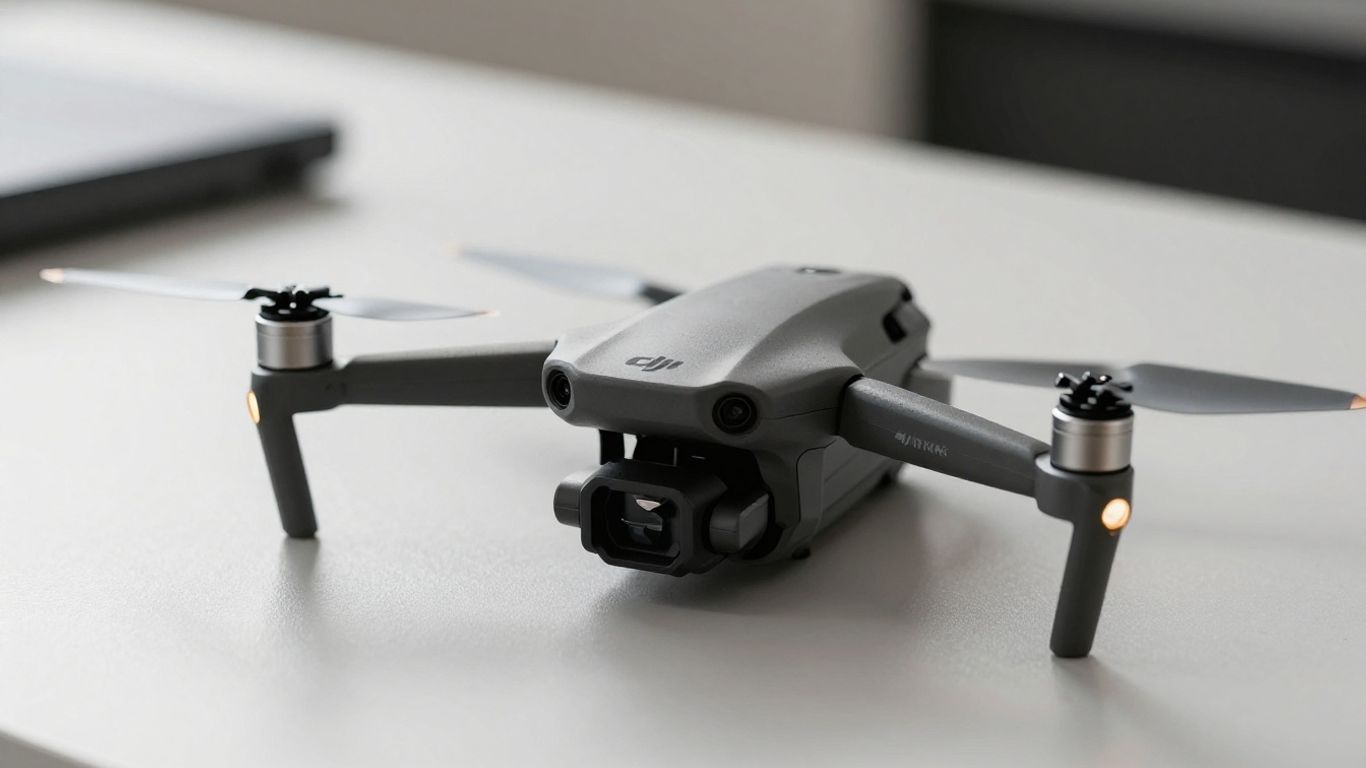
Taking good care of your DJI Mini 4K batteries is key to getting the most out of them. It’s not just about charging them up; there’s a bit more to it if you want them to last and perform well.
Handling Temperature Extremes for LiPo Batteries
LiPo batteries, like the ones in your DJI Mini 4K, are sensitive to temperature. You really don’t want to expose them to extreme heat or cold. Think about it: leaving your drone battery in a hot car on a summer day can push the internal temperature way up, potentially causing swelling or worse. On the flip side, flying in freezing weather can temporarily reduce its capacity, meaning less flight time. It’s best to keep your batteries at a moderate room temperature, ideally between 15-25°C (59-77°F), both when flying and when storing them. If a battery is too hot or too cold, let it sit for a bit to reach a more normal temperature before you try to charge it or fly with it. This simple step helps prevent damage and keeps performance steady.
Recognizing and Responding to Battery Issues
Sometimes, batteries can show signs of trouble. The most obvious one is physical damage – if you notice any swelling, punctures, or leaks, stop using that battery immediately. Swollen batteries are a fire hazard and should be handled with extreme care. Another sign is if a battery suddenly loses a lot of charge or doesn’t hold a charge like it used to. If your DJI Fly app starts giving you unusual warnings about the battery, pay attention. Don’t ignore these signals. If a battery seems off, it’s better to err on the side of caution and replace it rather than risk a flight failure or a safety issue. Keeping an eye on your battery’s health is part of responsible drone operation.
Routine Battery Health Checks
Making battery checks a regular habit will save you headaches down the line. Before each flight, give your battery a quick once-over. Check for any physical damage, make sure the contacts are clean, and ensure it seats properly in the drone. Beyond the visual check, pay attention to how the battery performs during flight. Does it drain unusually fast? Does the drone behave erratically? These can be subtle indicators of a battery that’s nearing the end of its life. A good rule of thumb is to keep track of your battery’s cycle count, though DJI doesn’t always make this easy to see directly. Generally, LiPo batteries have a lifespan of around 200-300 cycles or 2-3 years. If you’re noticing a significant drop in flight time or performance, it might be time to consider a replacement. You can find more information on drone battery maintenance to help keep yours in top shape.
Accessorizing for Extended DJI Mini 4K Flights
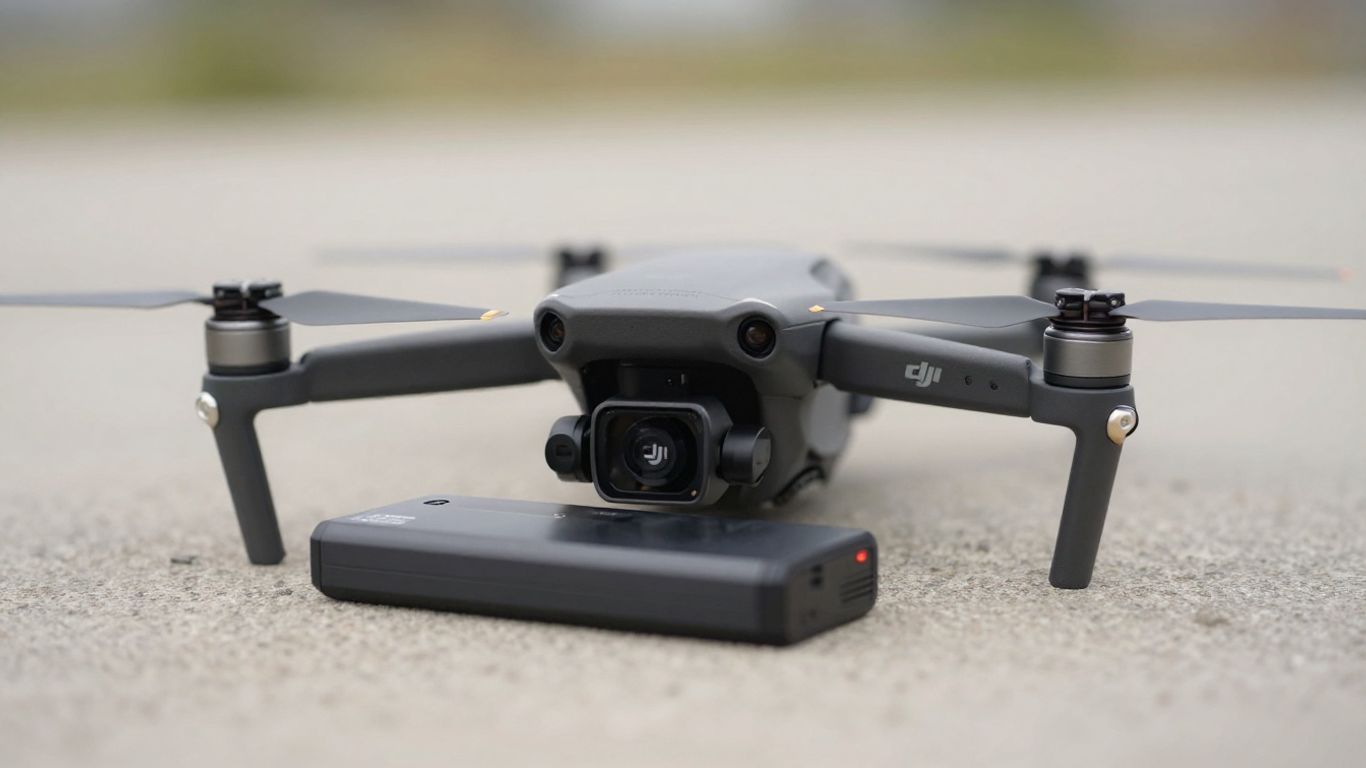
So, you’ve got your DJI Mini 4K and you’re ready to explore the skies for longer periods. That’s great! But to really get the most out of your drone, you’ll want to think about a few key accessories that can make a big difference in how long you can stay airborne and how efficiently you manage your power.
Exploring Battery Charging Hubs
One of the smartest investments you can make for extended flight sessions is a multi-battery charging hub. Instead of charging each battery one by one, a hub lets you charge multiple batteries simultaneously. This is a game-changer when you’re out in the field and want to get back up in the air quickly. Some hubs even have a mode that prioritizes charging the battery with the highest remaining charge first, so you can grab a nearly full battery and go while the others continue charging. It’s all about minimizing downtime between flights.
Cost-Effectiveness of Fly More Combos
When you’re looking to expand your battery collection, definitely check out the "Fly More" combos. These packages often bundle the drone with extra batteries, a charging hub, a carrying case, and sometimes even extra propellers. While the upfront cost might seem higher, when you break down the price per item, these combos are usually much more cost-effective than buying each accessory separately. It’s a really practical way to gear up for longer adventures without breaking the bank. For example, the DJI Mini 5 Pro often comes with a combo that includes multiple batteries, which is a huge plus for extended use.
Choosing the Right Charger for Your Battery
While the standard charger that comes with your DJI Mini 4K will get the job done, you might consider a more powerful charger if you’re frequently charging multiple batteries. Look for chargers that support faster charging speeds, but always make sure they are compatible with your specific DJI Mini 4K Intelligent Flight Battery. Using an incompatible charger could damage your battery or, at best, charge it much slower than you’d like. Remember, these batteries are pretty sensitive, so sticking to reputable brands and official specifications is always the best bet. If you’re thinking about starting a drone business, having reliable charging solutions is part of the essential equipment you’ll need, like extra batteries and memory cards to start a drone business.
Safe Transport and Handling of Your Battery
So, you’ve got your DJI Mini 4K all set up and ready for some awesome aerial shots. But before you head out, let’s talk about getting your batteries from point A to point B safely. It’s not just about tossing them in your bag; there are a few things to keep in mind, especially when traveling.
Airline Regulations for Drone Batteries
Flying with your drone batteries requires a bit of planning, particularly when you’re getting on an airplane. Most airlines have rules about lithium-ion batteries, and it’s good to know them beforehand. Generally, you’ll need to keep your spare batteries in your carry-on luggage, not in the checked baggage. This is a safety measure in case anything goes wrong. For the DJI Mini 4K, the battery capacity is well within the typical limits (usually under 100Wh), so you shouldn’t need special permission. However, it’s always a smart move to check directly with your specific airline before you fly, just to be absolutely sure. You can find information on DJI drone battery capacity to help you compare.
Preventing Short Circuits During Travel
Short circuits are a big no-no for LiPo batteries, and they can happen easily if the terminals touch something conductive. To avoid this, make sure the battery terminals are protected. You can use a bit of electrical tape to cover them, or if you have them, use those little plastic caps that sometimes come with batteries. This simple step can prevent accidental power surges and keep your batteries safe while they’re bouncing around in your bag. Always cover the battery terminals before packing.
The Necessity of LiPo Safety Bags
When you’re transporting your batteries, especially for longer trips or if you’re carrying multiple, a LiPo safety bag is a really good idea. These bags are designed to contain any potential fire or explosion, slowing down the spread of flames and giving you a bit more time to react if something unexpected happens. While they aren’t foolproof, they add a significant layer of safety. Think of it as an extra precaution for peace of mind. It’s a small investment that can make a big difference. You can find a variety of essential drone accessories that include these safety features.
Here’s a quick rundown of what to do:
- Check Airline Rules: Always confirm with your airline about battery transport regulations.
- Protect Terminals: Cover the battery terminals with tape or caps.
- Use a LiPo Bag: Store batteries in a LiPo safety bag during transit.
- Carry-On Only: Keep spare batteries in your carry-on luggage.
- No Damaged Batteries: Never travel with batteries that are swollen or damaged.
Taking these simple steps can save you a lot of hassle and, more importantly, keep you and others safe. It’s all about being prepared and treating your batteries with the respect they deserve.
When moving your battery, always be careful. Make sure it’s secured so it doesn’t get damaged. For more tips on keeping your battery safe during transport and handling, check out our website.
Wrapping Up Your Battery Knowledge
So, there you have it. Getting the most out of your DJI Mini 4K battery isn’t some big secret. It really comes down to taking care of your battery, understanding its limits, and planning your flights a bit. You won’t get an hour of flight from a single charge, but by keeping things charged right, avoiding extreme temps, and maybe grabbing an extra battery or two, you can definitely get more time in the air. It’s all about making smart choices before and during your flights. Happy flying!
Frequently Asked Questions
How long can I actually fly my DJI Mini 4K on a single battery?
While DJI says you can fly for up to 31 minutes, you’ll likely get around 20-25 minutes in real-world conditions. It’s smart to start heading back when your battery hits 20-25% to keep your battery healthy and avoid running out of power unexpectedly.
What’s the best way to charge my DJI Mini 4K batteries?
To keep your batteries lasting longer, charge them shortly before you plan to fly. Avoid charging a battery right after it’s been used, and give it about 15-20 minutes to cool down first. Always use the recommended DJI charger or a compatible USB-C PD charger for the best results.
How should I store my DJI Mini 4K batteries when I’m not using them?
If you won’t be flying for more than a week, store your batteries at about 40-50% charge. Keep them in a cool, dry place, ideally at room temperature. Never store them fully charged or completely drained, as this can damage them over time.
Can I get longer flight times by using older Mavic Mini batteries?
Yes, you can use the black batteries from the original Mavic Mini with your DJI Mini 4K, and they’ll give you about 20 minutes of flight time each. However, the grey batteries made for the Mini 4K won’t work with the older Mavic Mini.
What does ‘battery cycle life’ mean, and how does it affect my drone?
A battery cycle is counted each time you fully charge and then fully discharge a battery. Over time, batteries lose some of their ability to hold a charge. Your DJI Mini 4K battery can handle about 200-300 cycles before you might notice a significant drop in flight time.
What are the rules for flying my drone batteries on an airplane?
Generally, you can bring drone batteries on a plane as carry-on luggage, as long as they are under 100Wh (watt-hours). Your DJI Mini 4K battery is well below this limit. Make sure to cover the terminals and keep them safe from short circuits, and it’s always a good idea to check with your specific airline.