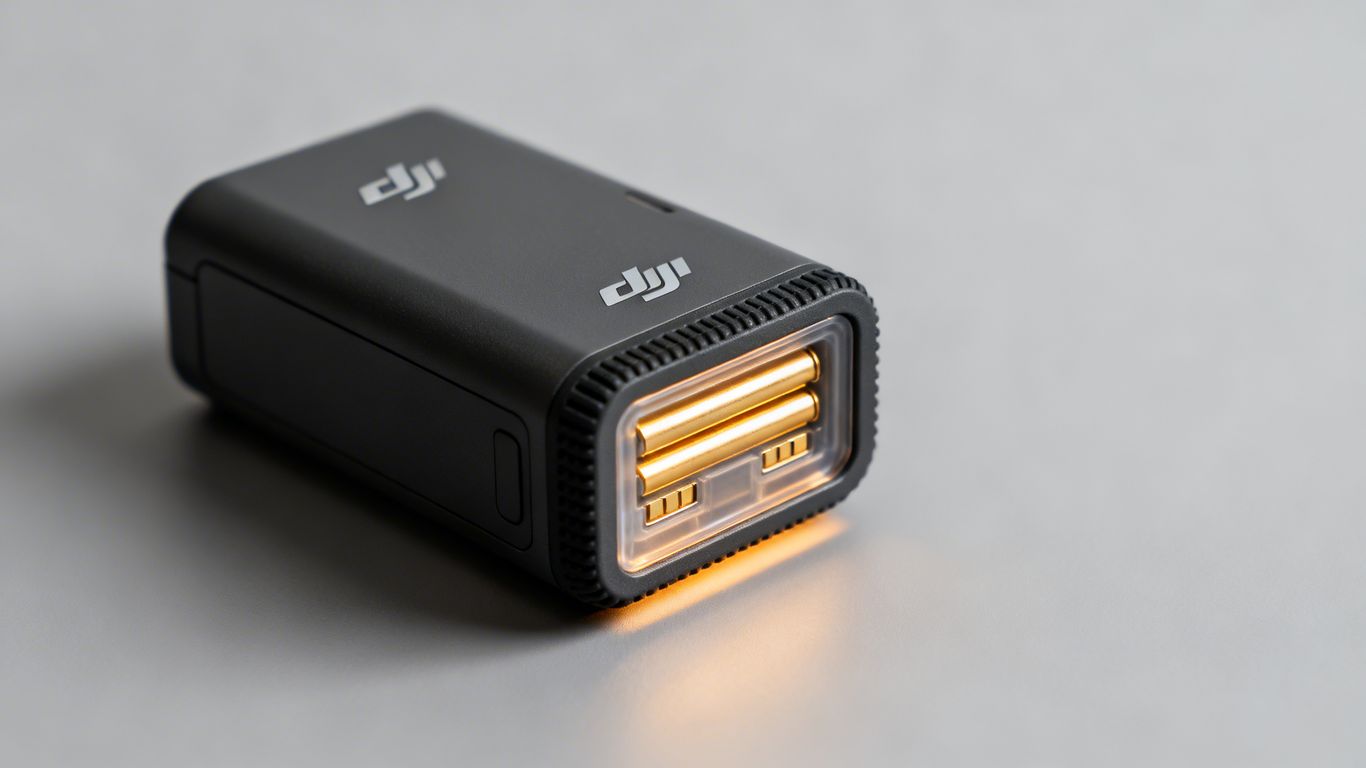
DJI Mini 4K Battery: Everything You Need to Know About Powering Your Flight
If you just picked up a DJI Mini 4K, you’re probably wondering how long you can fly, how to charge up, and how to make sure your drone battery lasts as long as possible. The dji mini 4k battery is a big part of getting the most out of your drone. This guide covers the basics, from specs to charging tips, so you can spend more time flying and less time worrying about power.
Key Takeaways
- The DJI Mini 4K battery usually gives you around 30 minutes of flight time on a full charge, depending on how you fly and the weather.
- Always use recommended chargers and cables to avoid damaging your dji mini 4k battery or slowing down charging.
- Keep an eye on the battery level lights—if you’re down to one bar, it’s time to recharge before your next flight.
- Store your battery somewhere dry and cool, and try not to leave it fully charged or totally empty for long periods.
- If you notice the battery swelling, not holding a charge, or showing error messages, stop using it and look into getting a replacement.
Understanding Your Dji Mini 4k Battery
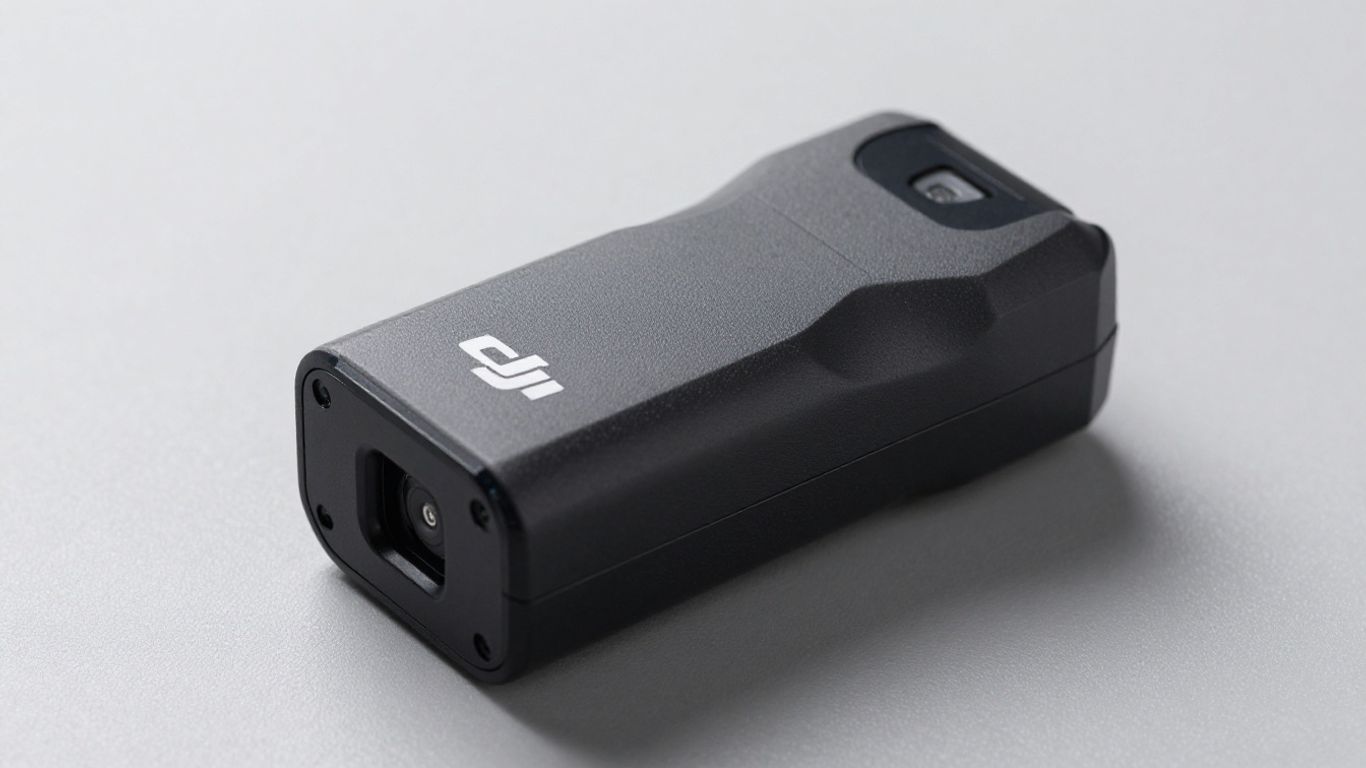
So, you’ve got your hands on the DJI Mini 4K, and you’re probably wondering about the heart of it all – the battery. It’s pretty straightforward, but knowing a few things can make your flying experience much smoother. Let’s break down what you need to know about powering your drone.
Battery Specifications and Flight Time
The DJI Mini 4K comes with an Intelligent Flight Battery designed to keep you in the air. You can expect a maximum flight time of around 31 minutes, which is pretty decent for a drone this size. Of course, that number can change depending on how you fly and the conditions. Think of it like driving a car; if you’re flooring it all the time, you won’t get as many miles per gallon. The same goes for your drone. Factors like wind, aggressive maneuvers, and even the temperature can affect how long you can actually fly. It’s always a good idea to keep an eye on the battery level and plan your flights accordingly. You can find more details about the drone’s capabilities, including its flight time, on pages like DJI Mini 4K drone.
Here’s a quick look at some specs:
| Feature | Specification |
|---|---|
| Max Flight Time | 31 minutes |
| Battery Type | Intelligent Flight Battery |
| Supported Charging | QC and USB PD fast-charging protocols |
| Max Input Power | 29 W |
Intelligent Flight Battery Features
These batteries aren’t just simple power packs; they’re ‘intelligent’. What does that mean for you? Well, it means the battery communicates with the drone to manage power efficiently. It also has built-in features to help protect itself and give you warnings. For instance, the battery level indicators are super helpful. You’ll see lights blinking to show you the current charge, and when they all go off, you’re good to go. It also has a system that checks itself for voltage differences between cells. If it finds a big difference, it might prompt you to do a battery maintenance cycle. This helps keep the battery healthy over time. Following proper charging practices can really help extend the life of these LiPO batteries, which typically last a few years proper recharging practices.
Taking care of your battery is key to getting the most out of your drone. It’s not just about charging it; it’s about understanding how it works and how to keep it in good shape for longer flights and a longer overall lifespan for your drone.
Charging Your Dji Mini 4k Battery
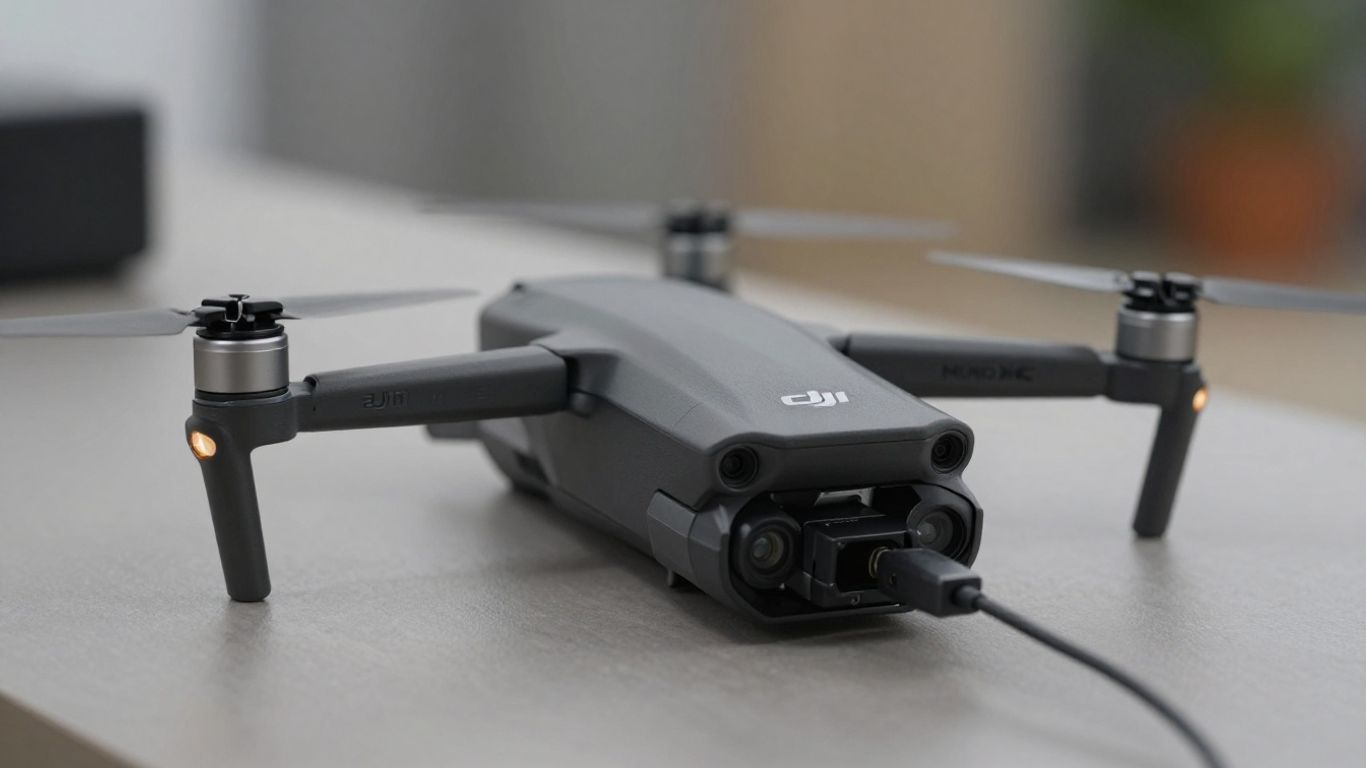
Keeping your DJI Mini 4K powered up is pretty straightforward, but there are a few things to know to make sure you get the most out of your battery and keep it healthy. You’ll want to get your battery topped off before you head out for any flying adventures.
Recommended Charging Devices
When it comes to charging, DJI recommends sticking with their official gear. This usually means using a charger that supports USB Power Delivery (PD) fast-charging protocols, up to about 29W. While the Mini 4K doesn’t come with a charger in the box, DJI suggests their 18W USB-C charger, but other common PD fast chargers, like those from Apple or some Android GaN chargers, will also work just fine. Using a charger specifically designed for DJI batteries, like the DJI 30W USB-C Charger or the DJI Mini 3 Series Two-Way Charging Hub, is always a good bet. These are built to communicate with your battery, which helps prevent overcharging and keeps the battery cells happy. Using a third-party charger that charges too fast could potentially shorten your battery’s lifespan or even cause damage.
Charging Methods and Duration
You’ve got a couple of ways to get juice back into your Mini 4K battery. You can charge it directly while it’s mounted on the drone, or if you have the charging hub accessory, you can charge multiple batteries sequentially. Charging the drone with the battery mounted typically takes around 1 hour and 22 minutes with an 18W charger. If you opt for the charging hub, it might be a bit quicker, usually around 58 minutes for a full charge. Keep an eye on the battery level LEDs on the battery itself; they’ll blink to show you the progress, and once they all turn off, your battery is good to go. Just remember, you can’t charge the battery if the aircraft is powered on.
Understanding Battery Level Indicators
Those little LED lights on your DJI Mini 4K battery aren’t just for show; they’re your main way of knowing what’s going on with the power. When you’re charging, these lights will blink one by one, showing you how full the battery is getting. If you see all four lights blinking, it means the battery is almost full. When all the lights go out during charging, that’s your signal that the battery has reached 100% and is ready for flight. It’s also worth noting that if you power on the drone and only one LED is lit, it’s a clear sign that you need to charge the battery before you fly. It’s a simple system, but it’s pretty effective for keeping you informed about your power status.
Always make sure your battery is at a safe temperature before charging. If it’s too hot or too cold, it might not charge properly, and it could even affect the battery’s long-term health. Let it sit for a bit if it feels extreme after a flight or if it’s been stored in a very warm or cold place.
For more details on charging and power management, you might find information on the DJI Power 500 helpful, even though it’s a different product, the principles of power management are similar.
Dji Mini 4k Battery Maintenance
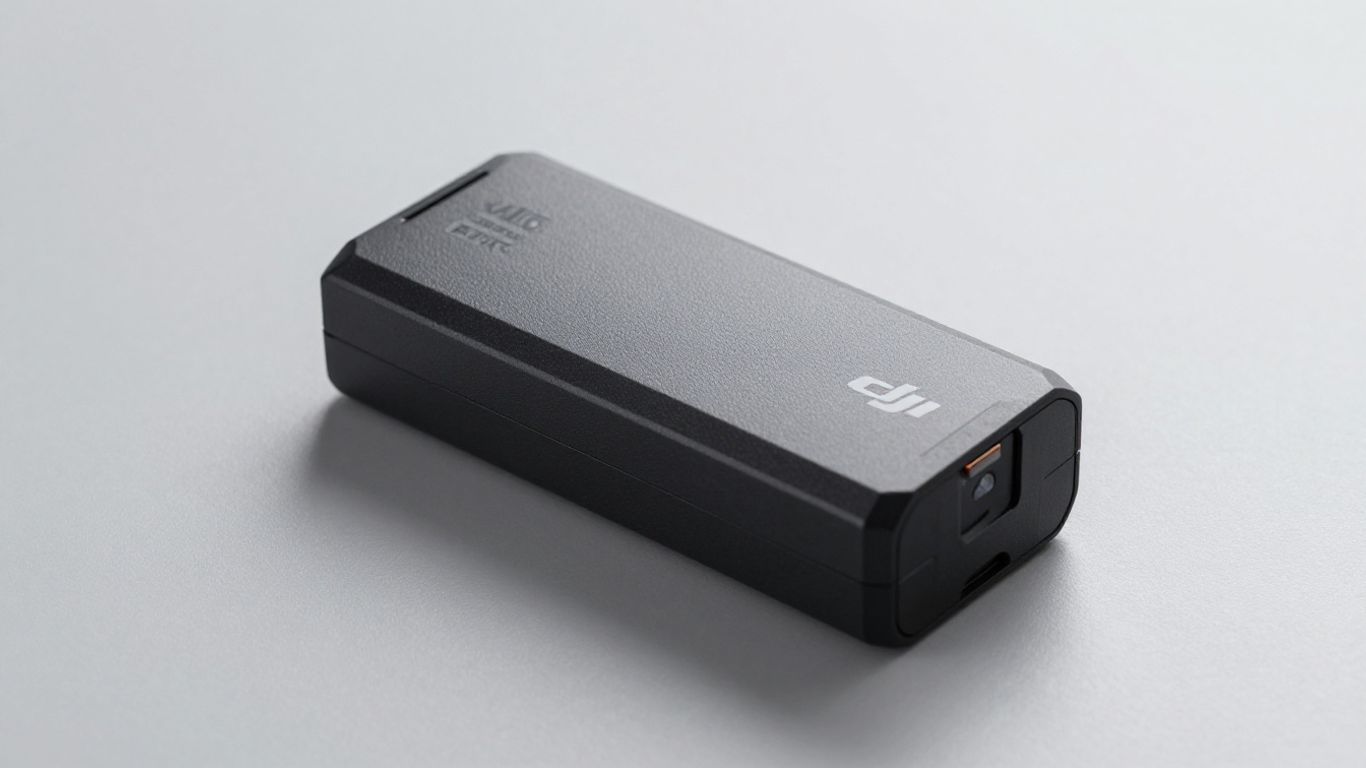
Taking good care of your DJI Mini 4K battery is pretty important if you want it to last and keep your drone flying. It’s not super complicated, but there are a few things you should know.
Importance of Battery Maintenance
Think of your battery like any other rechargeable gadget; it needs a little attention to work its best. Proper maintenance helps extend its lifespan and ensures it performs reliably when you’re out flying. Ignoring it can lead to reduced flight times or, worse, issues that could affect your drone’s operation. It’s really about getting the most out of your investment and avoiding unexpected problems.
Storage Guidelines for Longevity
When you’re not using your drone for a while, how you store the battery makes a big difference. If you plan to leave it sitting for more than a week or so, it’s best to discharge it to about 40-65% of its charge. You’ll know it’s in the right range when the third LED light is on or blinking. Storing a fully charged or completely drained battery for extended periods isn’t ideal and can cause damage over time. Always keep your batteries in a place that has decent airflow, not crammed in a hot car or a damp basement.
- Discharge for Storage: Aim for 40-65% charge if storing for 10+ days.
- Periodic Charging: Charge and discharge the battery roughly every three months to keep it healthy.
- Ventilated Storage: Store batteries in a well-ventilated area.
- Hibernation Mode: If a battery is left depleted for too long, it might enter a hibernation state. You’ll need to recharge it to wake it up.
Recognizing and Addressing Battery Issues
Sometimes, your drone might give you a heads-up that the battery needs some attention. If you put a battery in the drone and it won’t take off, and the DJI Fly app shows a message about battery maintenance, don’t ignore it. This usually means there’s a noticeable difference in voltage between the battery cells. The fix is generally straightforward: fully charge the battery, then let it sit undisturbed for about 48 hours. After that, it should be good to go. If you’re seeing persistent error messages or the battery just isn’t performing right, it might be time to look into getting a replacement.
Getting Started with Your Dji Mini 4k Battery
So, you’ve got your shiny new DJI Mini 4K and you’re itching to get it in the air. Before you can do that, you need to get your battery sorted. It’s not complicated, but there are a few steps to make sure everything goes smoothly. Let’s break it down.
Initial Battery Check and Preparation
First things first, when you unbox your drone, take a moment to look at the battery. Make sure it looks okay, no obvious damage or anything weird. You’ll want to give it a full charge before your very first flight. This is pretty standard practice for most battery-powered gadgets, and it helps set things up right from the start. You can check the battery level by looking at the little LED lights on the battery itself. If only one light is on, it’s time to plug it in.
- Unfold the drone arms and remove the gimbal protector. This is pretty straightforward, just be gentle.
- Check the battery level. If it’s low, charge it up.
- Place the drone on a flat surface. Make sure the rear of the drone is facing you when you power it on.
It’s a good idea to familiarize yourself with the DJI Fly app early on. This app is where you’ll control your drone and monitor its status, including battery life. Getting a feel for its layout now will save you time later.
Attaching and Removing the Battery
Putting the battery into the drone is simple. You’ll usually see a slot on the drone where the battery fits. Just slide it in until it clicks or locks into place. You’ll often hear a little sound to confirm it’s seated correctly. Removing it is just as easy; there’s usually a small tab or button you press to release the battery. Don’t force it; if it’s not coming out easily, double-check that you’re pressing the release mechanism properly. It’s important to get this right so you don’t damage the battery or the drone. For detailed instructions, you can check out guides on DJI Mini 4K setup.
Powering On and Off the Drone
To power on your DJI Mini 4K, you’ll typically press the power button on the battery or the drone itself for a second or two. You’ll see the lights come on, indicating it’s ready. Do the same for the remote controller. To power off, you usually press and hold the power button again until the lights go out. Always power on the remote controller first, then the drone. When powering down, turn off the drone first, then the remote controller. This sequence helps prevent any connection issues. It might seem like a small detail, but following the correct power sequence is a good habit to get into for smooth operation.
Optimizing Dji Mini 4k Battery Performance
So, you’ve got your DJI Mini 4K and you’re ready to take to the skies. But how do you make sure your battery lasts as long as possible? It’s not just about having a spare; it’s about smart usage and care. Let’s dive into how you can get the most out of every flight.
Factors Affecting Flight Time
Several things can eat into your flight time faster than you’d expect. Think of it like driving a car – flooring it uses more gas, right? Drones are similar. Flying aggressively, with lots of quick turns and ascents, will drain the battery quicker than smooth, steady flight. Wind is another big one. Flying into a strong headwind means your drone has to work harder to stay in place or move forward, and that means more power consumption. Even the temperature can play a role; extreme cold or heat can affect battery efficiency. And don’t forget about the payload – if you’re using accessories that add weight, that’s more energy needed.
Tips for Extending Battery Life
Want to squeeze every last minute out of your battery? Here are some practical tips:
- Fly smoothly: Avoid sudden movements. Gentle acceleration and deceleration will save power.
- Be mindful of wind: If it’s windy, try to fly with the wind when possible, or keep your flight paths shorter.
- Check the weather: Try to fly on days with calmer conditions for optimal flight time.
- Keep firmware updated: Sometimes, software updates include optimizations that can improve battery management.
- Avoid unnecessary hovering: If you’re not actively filming or surveying, try to keep the drone moving gently.
- Consider the environment: Flying at higher altitudes can sometimes require more power due to thinner air.
The DJI Mini 4K offers features like QuickShots that can help you capture dynamic footage efficiently, reducing the time spent manually maneuvering the drone and thus conserving battery.
Choosing the Right Charger for Optimal Charging
While the Mini 4K battery is designed to be robust, using the correct charger is key to its longevity and performance. DJI recommends using their official chargers, like the DJI 30W USB-C Charger, or other USB Power Delivery chargers that meet specific power requirements. Using a charger that’s too weak will result in very long charging times, while one that’s too powerful or incompatible could potentially damage the battery. Always check the specifications for compatible chargers. For instance, a charger with a maximum charging power of 18W might be suitable, but it’s best to stick to DJI-approved options for peace of mind. Proper charging ensures the battery is ready for its next flight and helps maintain its overall health over time. You can find more information on recommended charging devices here.
Proper battery care isn’t just about getting more flight time; it’s about ensuring the safety and reliability of your drone. A well-maintained battery performs better and lasts longer, saving you money and hassle in the long run.
Troubleshooting Dji Mini 4k Battery Issues
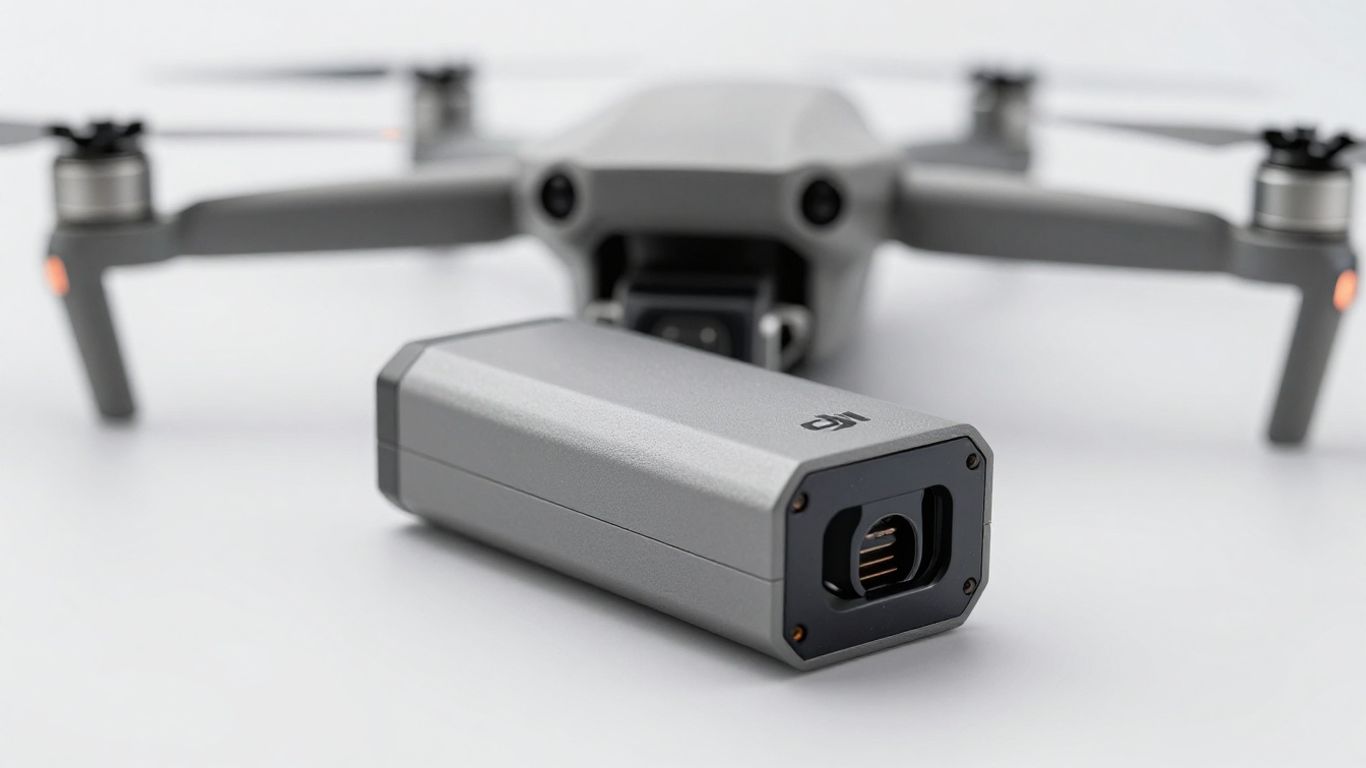
Even with the best gear, sometimes things don’t go as planned. When it comes to your DJI Mini 4K battery, you might run into a few hiccups. Don’t sweat it; most issues are pretty straightforward to fix. Let’s walk through what could go wrong and how to get your drone back in the air.
Common Battery Problems and Solutions
It’s not uncommon for batteries to act up now and then. Here are some of the more frequent issues you might encounter and what you can do about them:
- Drone won’t power on: First, double-check that the battery is properly seated in the drone. Sometimes it just needs a firmer click. Also, make sure the battery itself is charged. If the LEDs don’t light up when you press the power button, it might be completely drained or have an issue. Try charging it for a bit.
- Battery not charging: Ensure you’re using the correct charger and cable. DJI recommends specific chargers for optimal performance. Check the charging port on the battery and the charger for any debris that might be blocking the connection. If you’re using a third-party charger, make sure it supports the necessary power delivery standards.
- Short flight time: This can happen for a few reasons. Extreme temperatures, flying in windy conditions, or aggressive flying styles all drain the battery faster. If the battery is older, its capacity might have decreased over time. You can check the battery’s health in the DJI Fly app if that feature is available for your model.
- Battery error message in the app: Pay close attention to what the app says. It often provides specific codes or descriptions that can help pinpoint the problem. Sometimes, a simple firmware update for both the drone and the battery can resolve communication errors.
Understanding Error Messages and Prompts
Your DJI Mini 4K and the DJI Fly app are designed to give you feedback. When something’s up with the battery, you’ll likely see a message or a warning. These prompts are your first clue to what’s going on.
Here are a few examples of what you might see and what they generally mean:
- "Battery temperature too high/low": This means the battery is outside its optimal operating range. You’ll need to let it warm up or cool down before flying. Avoid charging or flying in extreme heat or cold.
- "Battery cell voltage difference is too large": This indicates a potential imbalance between the battery cells. The app might prompt you to perform a battery maintenance cycle. This usually involves fully charging the battery and letting it sit for a period.
- "Battery communication error": This could be a loose connection, a software glitch, or a more serious hardware issue with the battery or the drone’s power system. Ensure the battery is securely attached and consider updating firmware.
Sometimes, a battery might seem dead, but it’s just in a deep sleep mode. If your battery won’t respond at all, try connecting it to the charger for an extended period. If it still shows no signs of life, it might be time to consider a replacement.
When to Seek Professional Assistance
While many battery issues are user-fixable, some problems require a professional touch. If you’ve tried the basic troubleshooting steps and are still facing difficulties, it’s probably time to reach out for help. This is especially true if you see persistent error messages that don’t clear up or if the battery shows signs of physical damage, like swelling or leaks.
Don’t hesitate to contact DJI support or an authorized repair center. They have the tools and knowledge to diagnose complex battery problems and can advise on whether a repair or replacement is the best course of action. You can find helpful resources for general drone troubleshooting on the DJI support site. Getting professional help can save you time and prevent further damage to your equipment.
Having trouble with your DJI Mini 4K battery? Don’t let power issues ground your flights. We’ve put together a simple guide to help you fix common battery problems. Learn how to keep your drone soaring by visiting our website for easy-to-follow tips and solutions.
Wrapping Up Your Battery Knowledge
So, that’s pretty much the rundown on the DJI Mini 4K battery. You’ve learned how to keep it charged up, what to do if it needs a little tune-up, and generally how to take care of it so it lasts. Remember, a well-maintained battery means more time in the air for you to get those awesome shots. Don’t forget to check the battery level before you head out, and always follow the charging guidelines. Happy flying!
Frequently Asked Questions
How long does the DJI Mini 4K battery last on a single charge?
You can expect up to 31 minutes of flight time with a fully charged DJI Mini 4K battery. However, flight time might be a bit shorter if it’s windy or if you’re using lots of features.
What is the best way to charge my DJI Mini 4K battery?
The safest and fastest way to charge your battery is by using a DJI-approved charger, like the DJI 30W USB-C Charger or the Two-Way Charging Hub. Always make sure the drone is powered off while charging.
How can I tell if my battery is fully charged?
The battery has LED lights that show the charge level. When all the lights turn off after blinking in sequence, it means your battery is fully charged and ready to use.
What should I do if my battery won’t charge or power the drone?
First, check if the charger and cables are working and properly connected. If the battery still won’t charge or power up the drone, try using a different charger. If it still doesn’t work, the battery may need to be replaced.
How should I store my DJI Mini 4K battery when I’m not using it?
If you’re not going to use your battery for more than 10 days, store it with about 40–65% charge. Keep it in a cool, dry place, and check it every few months to make sure it doesn’t get too low.
Can I use other chargers or batteries with my DJI Mini 4K?
It’s best to use chargers and batteries made for the DJI Mini 4K. Using other brands might charge slower, damage the battery, or even void your warranty.